


iPhone Charging Essentials
Whether commuting or traveling, INIU's magnetic power banks and wireless chargers keep your iPhone powered up. With durable, high‑speed charging solutions, you'll stay charged wherever life takes you.
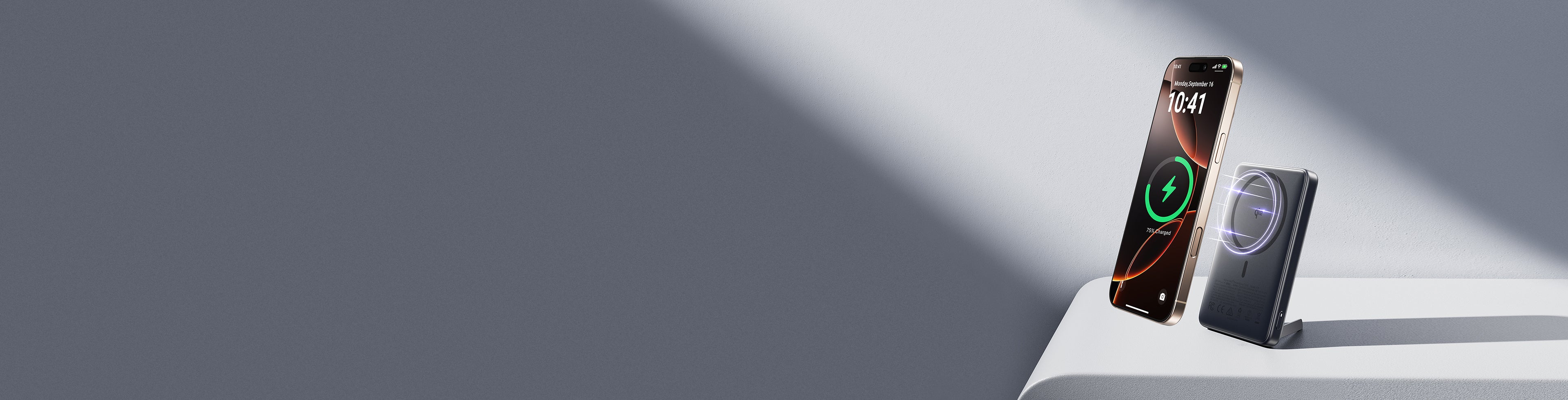
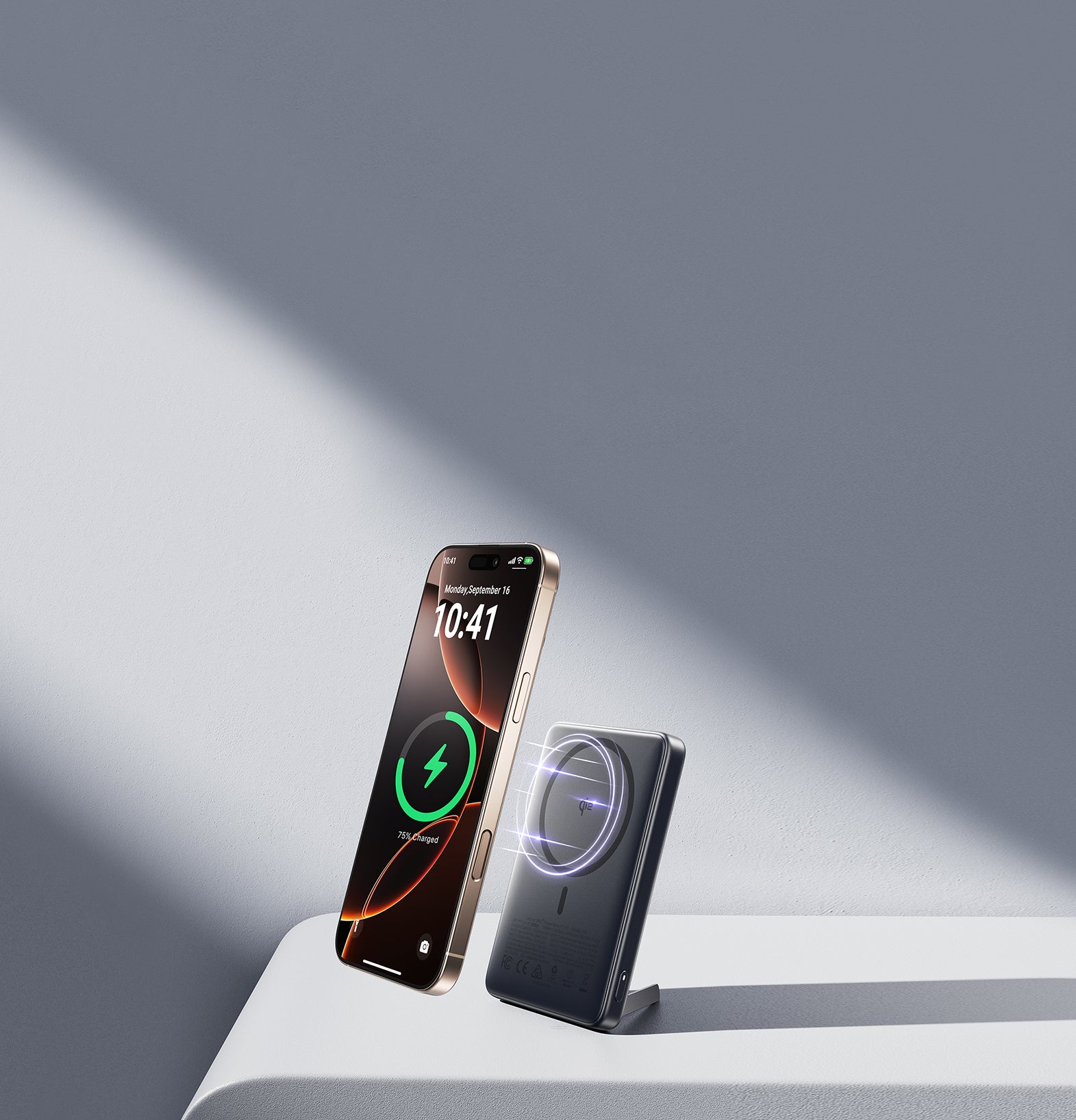
Magnetic Power Banks

INIU SnapGo Air Magnetic Power Bank 10000mAh 25W, Qi2.2 MagSafe

INIU SnapGo Magnetic Power Bank 10000mAh 15W, Qi2 MagSafe

INIU SnapGo Compact Magnetic Power Bank 10000mAh 25W, Qi2.2 MagSafe
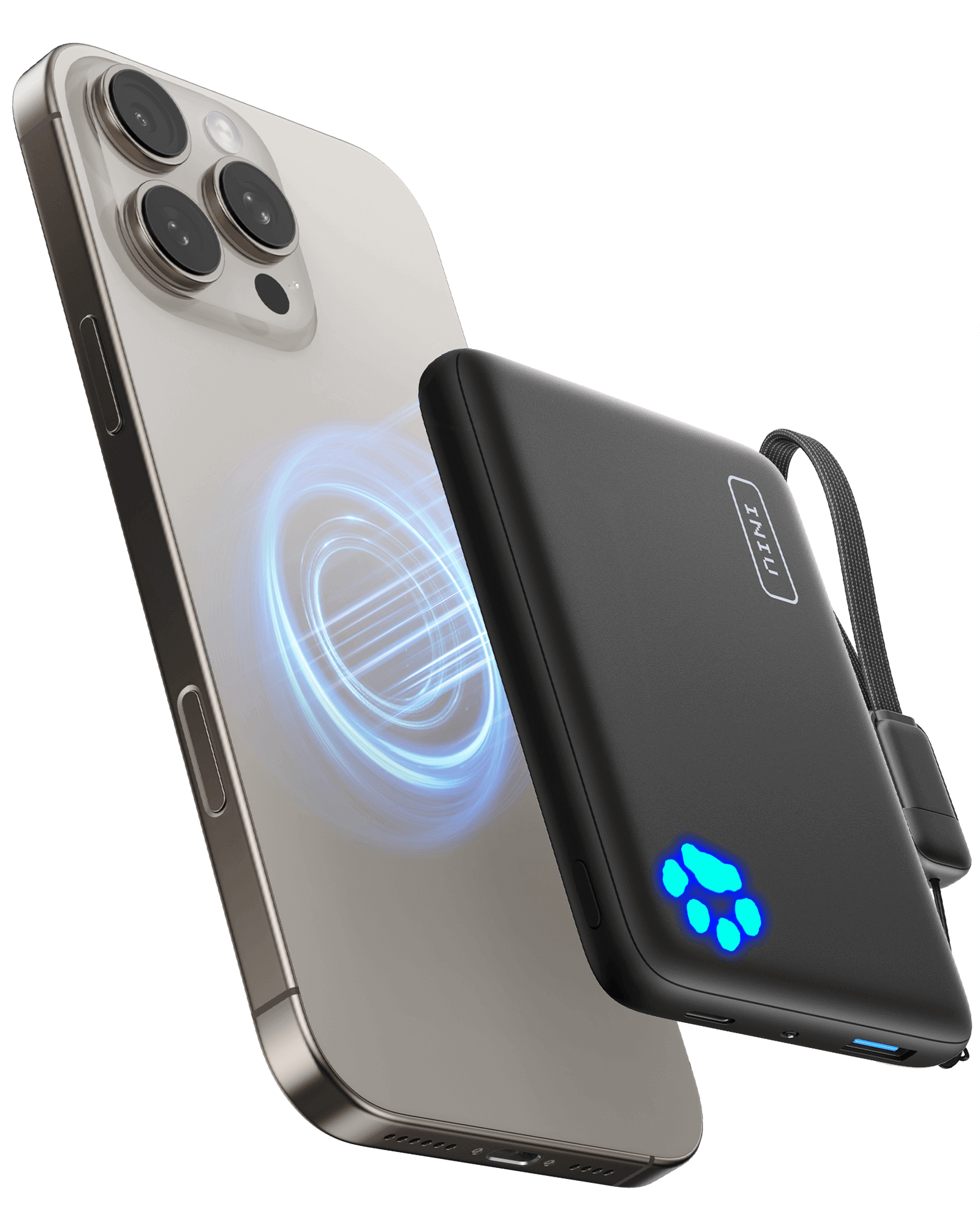
INIU Pawsible P43 Power Bank Qi2 15W 10,000mAh Magsafe

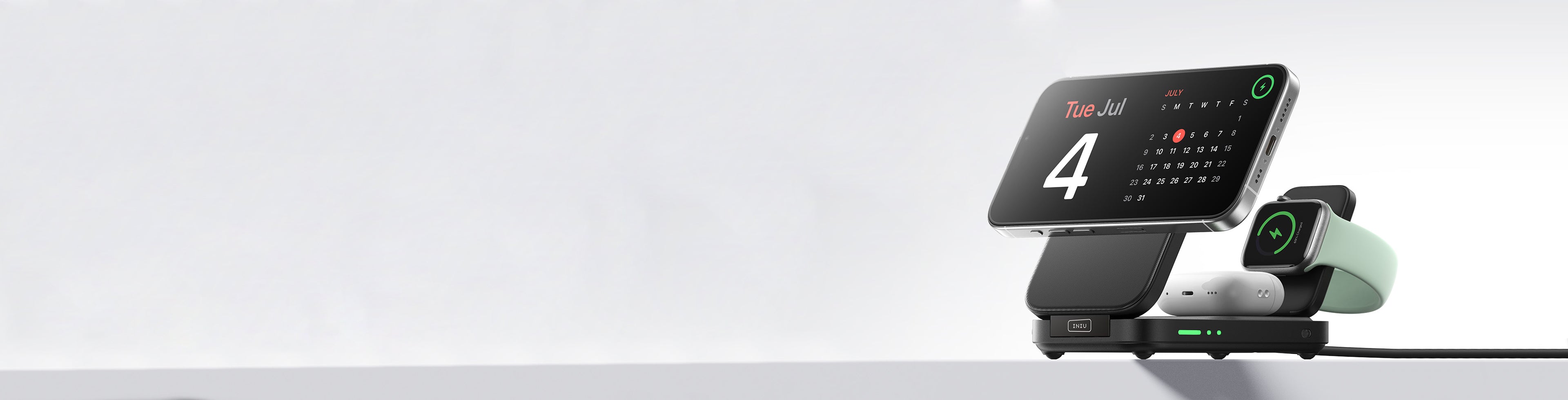
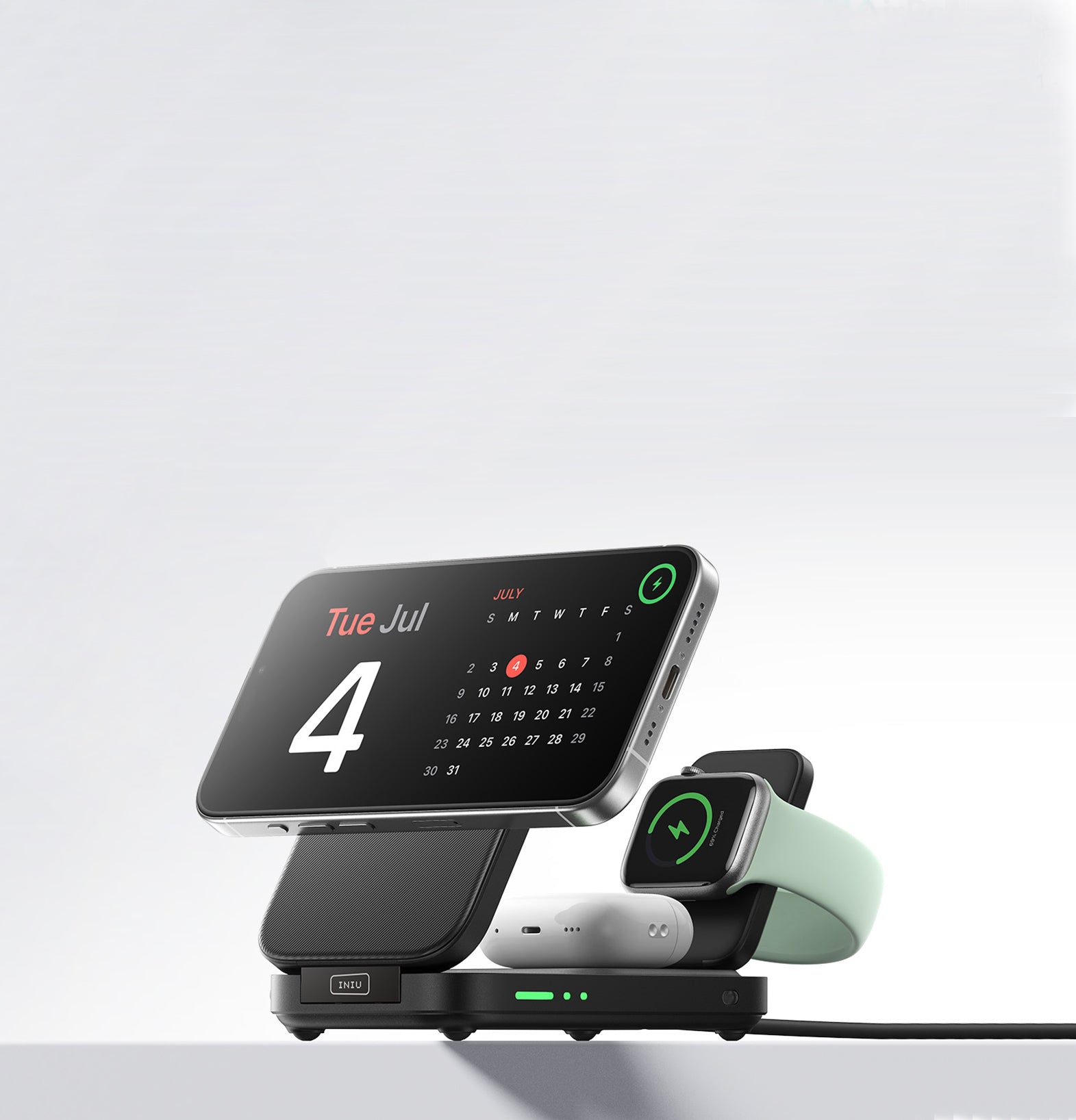
iPhone Wireless Chargers
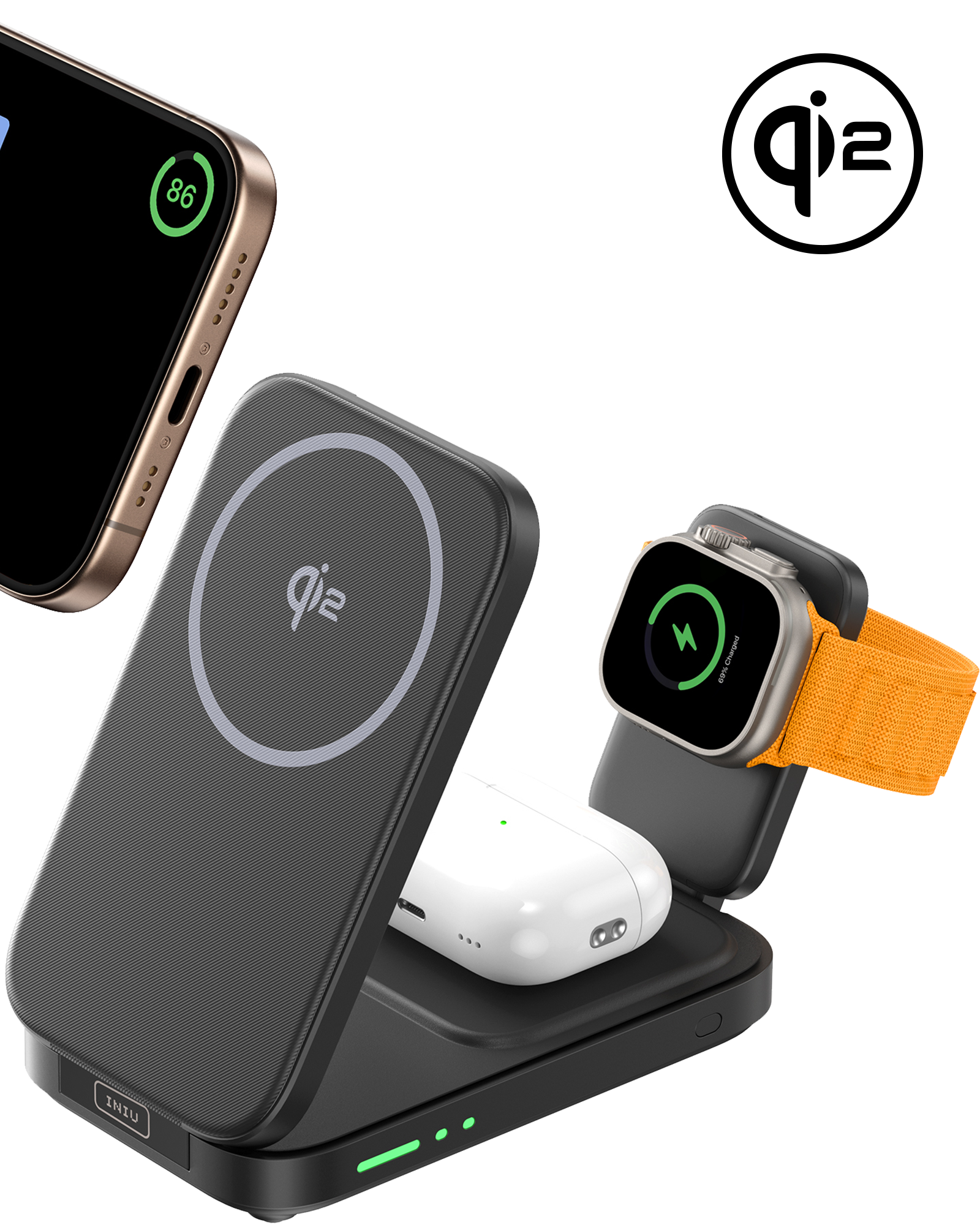
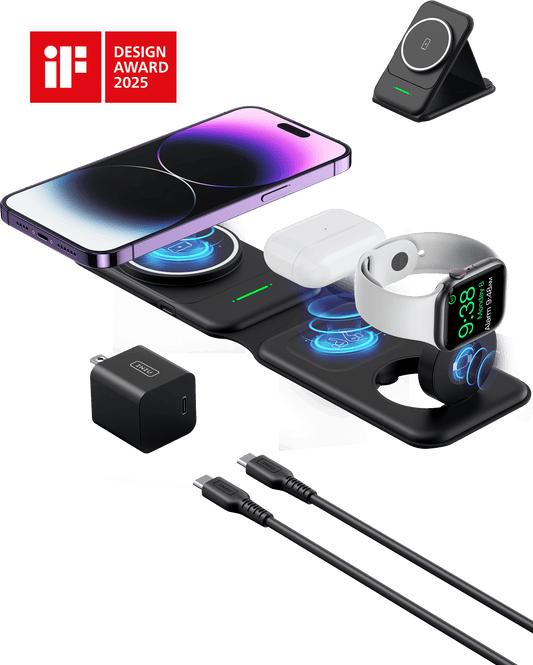
INIU SnapGo W31 Qi2 15W 3 in 1 Magnetic Foldable Wireless Charger
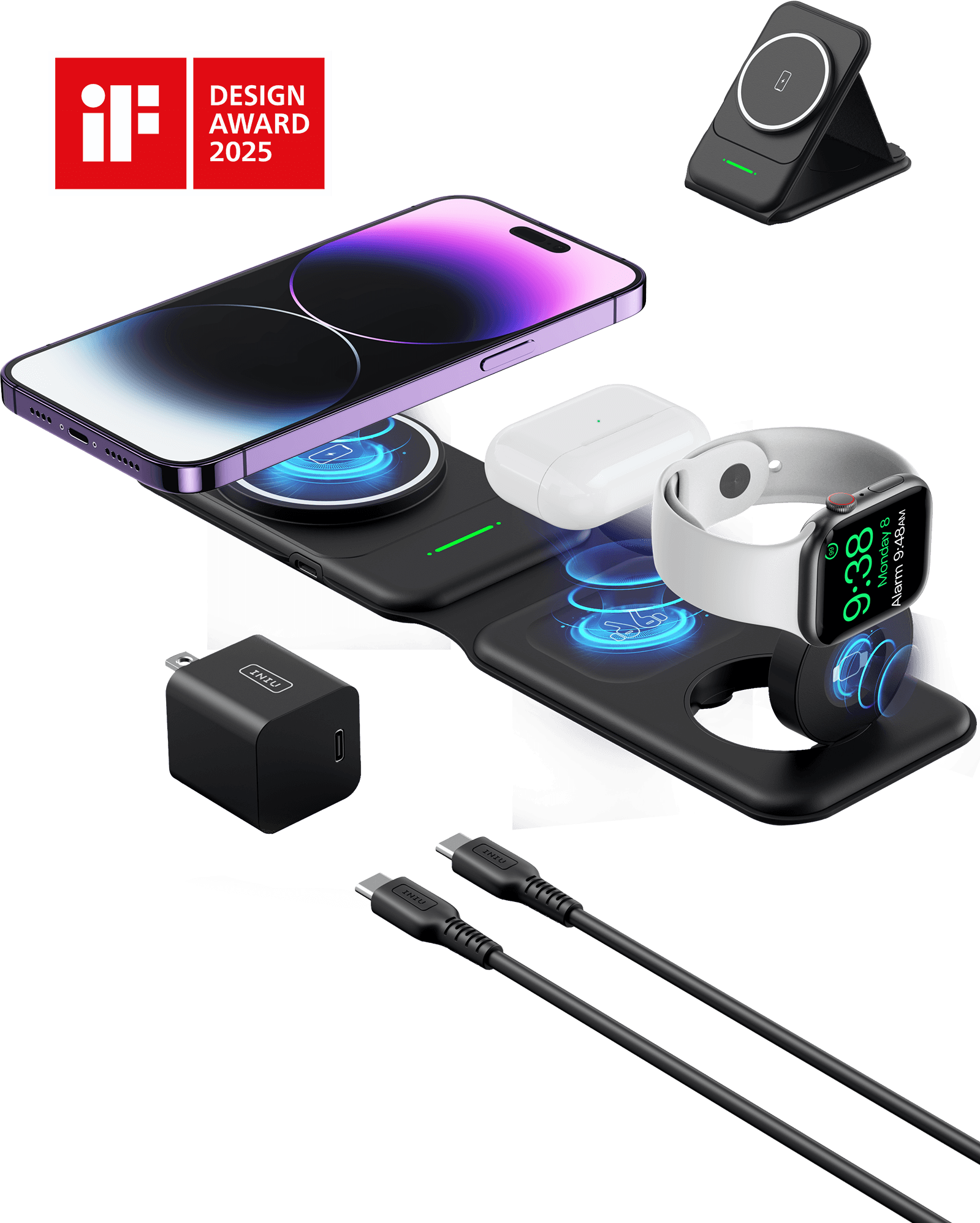
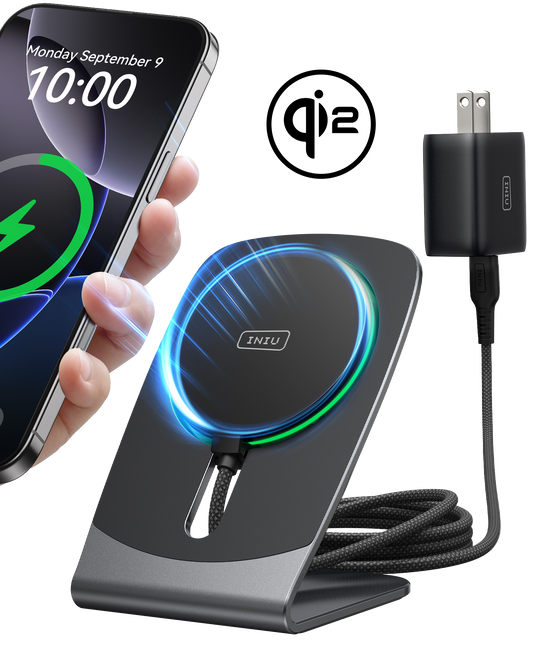
INIU SnapGo WI222 3 in 1 Wireless Charging Pad & Stand, 15W Magnetic Multifunction
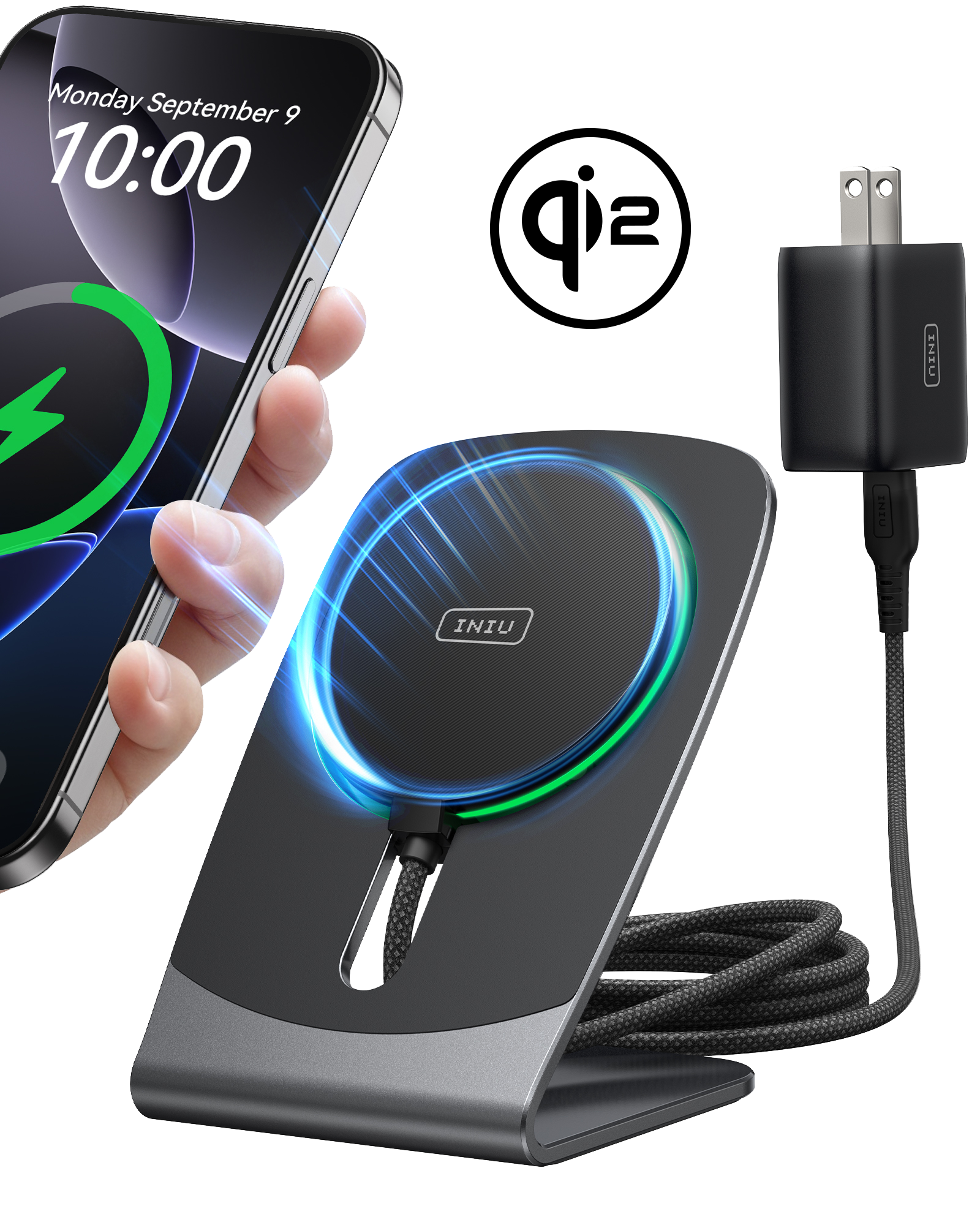
INIU SnapGo W21 Qi2 15W Magnetic Wireless Charger


iPhone Chargers

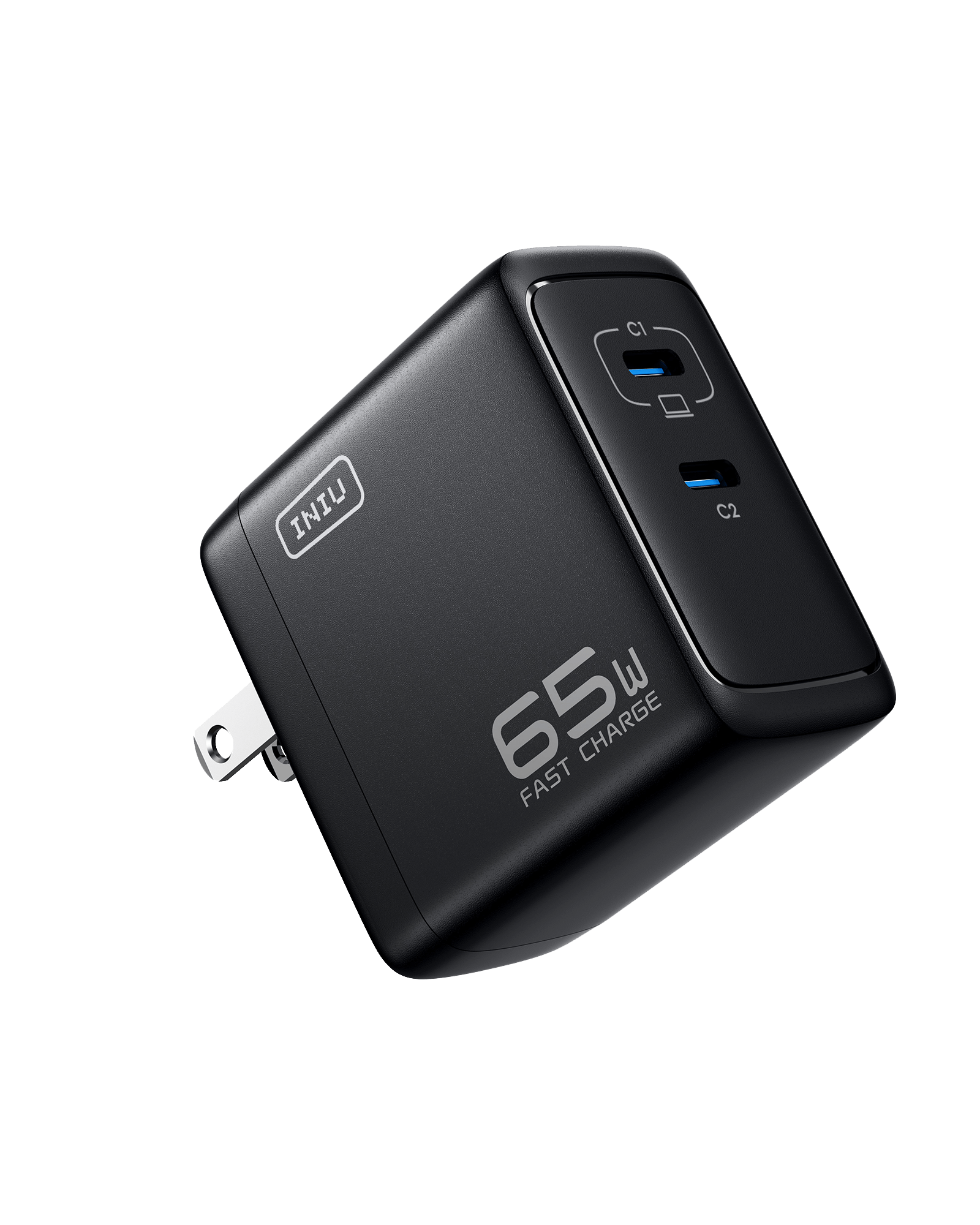
INIU Cougar A21 65W GaN Charger

INIU Cougar A11 100W GaN Charger

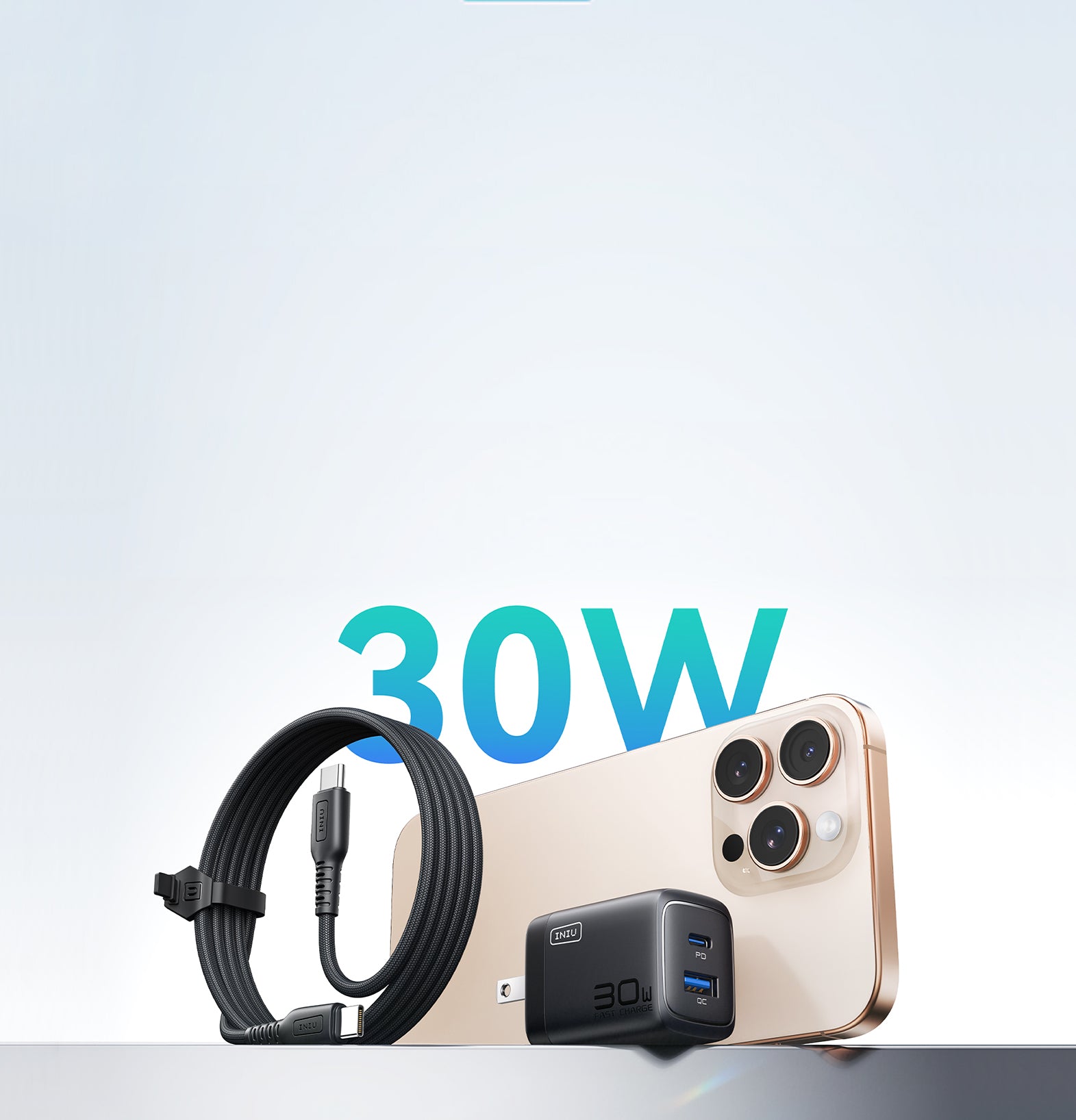
INIU Cougar A12 30W Charger
-
Sold out
-
Sold out
-
SAVE 11%
 Highly Recommended
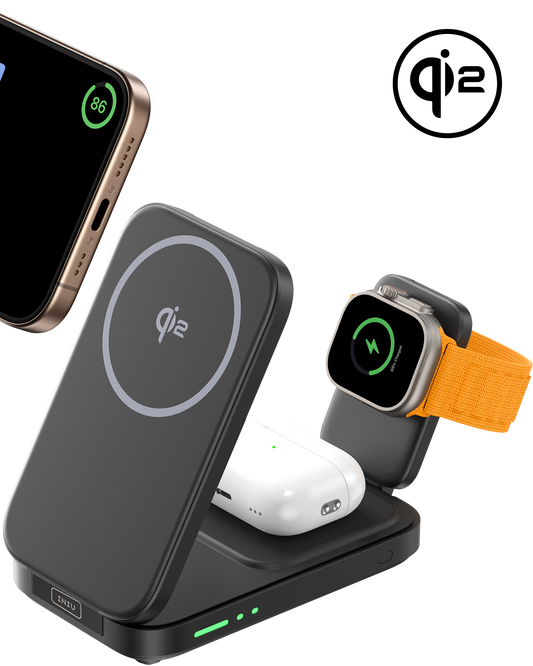
INIU SnapGo WI222 3 in 1 Wireless Charging Pad & Stand, 15W Magnetic Multifunction
$41.99$46.99Sold out -
Sale
-
Sale
-
Sold out




FAQ about iPhone Charging Essentials
When choosing a power bank for iPhone, focus on battery capacity and charging speed. A power bank with a capacity of 10,000mAh to 20,000mAh is ideal for providing multiple full charges. To ensure fast charging, look for a power bank for iPhone that supports USB-C Power Delivery (PD) for quicker and more efficient charging.
For added convenience, consider a magnetic portable power bank for iPhone that securely attaches to your device, ensuring a stable charging experience. Be sure to select a power bank with built-in safety features like overcharge protection to keep your iPhone safe during use.
Power banks are safe for iPhones when used properly. A branded power bank for iPhone, especially high-quality, certified ones, ensures stable voltage and current for safe charging. Issues arise with cheap, poorly made power banks lacking protection.
Choose a branded power bank for iPhone that supports Apple charging standards and fast-charge protocols. With the right power bank, both occasional and daily use are safe and convenient.
If your power bank is not working with your iPhone, the most common reasons are cable or compatibility issues. A damaged cable, low-quality adapter, or a power bank that doesn’t support iPhone charging standards may fail to deliver power. Also check if the power bank itself is fully charged.
Another possible cause is protection or software limits. Some power banks shut off automatically if the output is too low, while iPhones may stop charging if the device overheats. Using certified cables and a compatible power bank usually resolves the issue.
The healthiest way to charge an iPhone is to keep the battery between 20% and 80% whenever possible. Avoid letting it drain to 0% or charging it to 100% too often, as extreme levels increase battery wear. Slow, steady charging also helps reduce long-term degradation.
Using certified chargers and cables is essential for battery health. Keep your iPhone cool while charging and avoid heavy use during charging sessions. Enabling Optimized Battery Charging in iOS further protects the battery by reducing unnecessary full charges.
Apple warns that charging an iPhone overnight can cause excess heat if the phone is covered or placed on soft surfaces like beds or pillows. Heat is one of the main factors that accelerates battery aging and can affect long-term performance.
To reduce this risk, Apple advises charging in a well-ventilated area using certified chargers and cables. Enabling Optimized Battery Charging also helps by limiting how long the battery stays at 100%, improving safety and battery lifespan.
