


Cable



-
特價
-
特價
-
售罄



INIU 電纜:專為可靠性而設計,為您的生活提供動力
在互聯的世界裡,合適的線纜是您數位體驗的生命線。 INIU我們打造符合您日常需求的充電解決方案。從重要的商務旅行到您的日常使用,我們的 電纜 為您的所有必備設備提供可靠、快速的電源連接。不只是充電,更是充滿自信地為您開啟精彩的時光。
如何選擇合適的電纜?
根據您的設備及其使用方式快速找到完美的電纜。
- 適用於手機、平板電腦和日常設備: 為您的 iPhone、iPad、三星或其他安卓裝置選擇一款穩定可靠的快速充電線。這些設備通常需要中低功率解決方案(例如 18W-30W),多件裝充電線非常適合您在家中、辦公室或旅途中充電。
- 對於筆記型電腦和高性能設備: 為您的 MacBook、筆記型電腦或其他高效能裝置充電。選擇 100W 或 240W 高功率 USB-C 線纜,確保在專業工作和高強度使用環境下實現最高效的充電和資料傳輸。
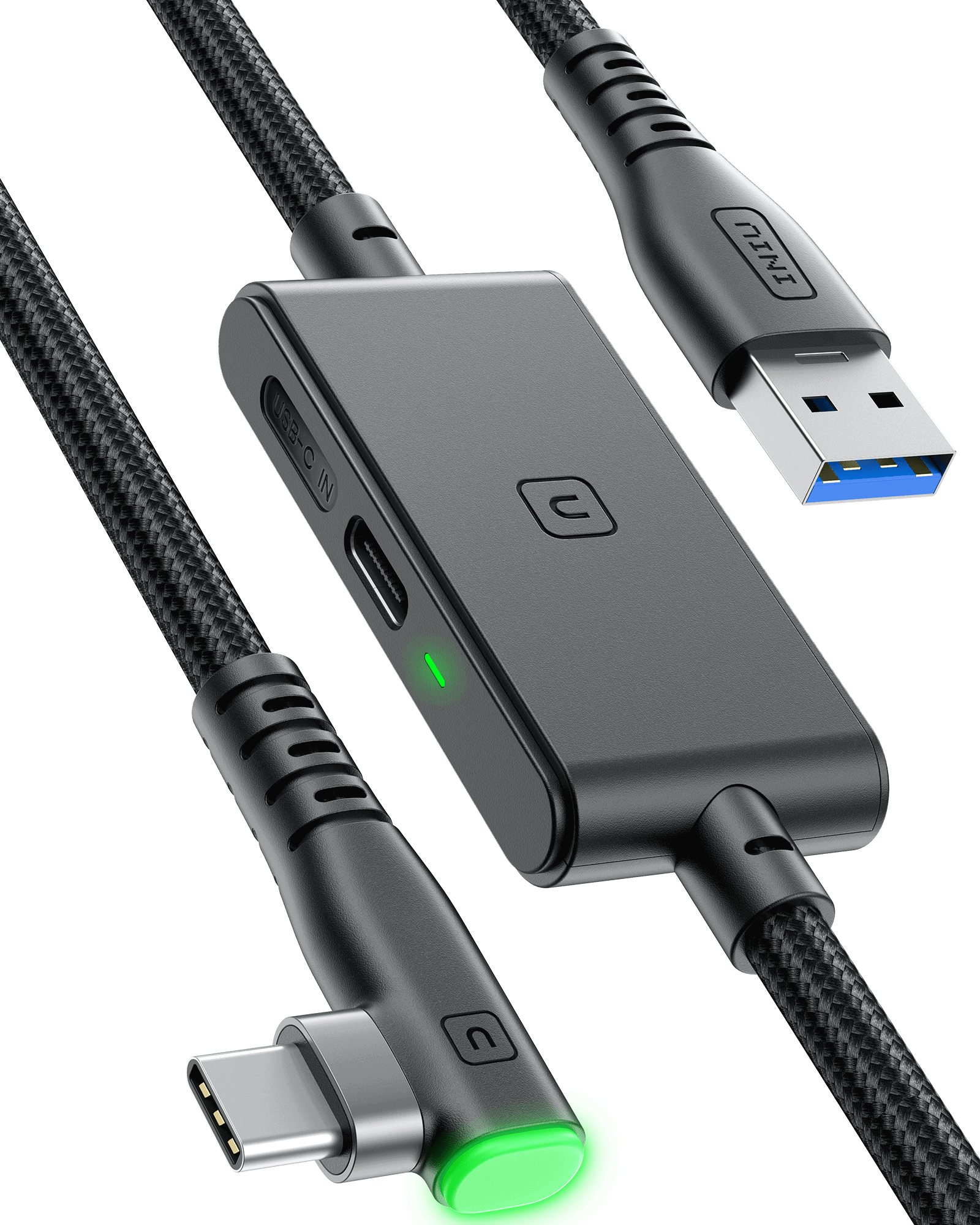
- 對於遊戲和虛擬實境: 使用專為遊戲和 VR 設計的專用連接線。它為您的 VR 頭戴裝置提供穩定、高速的連接,確保零延遲數據,帶來流暢、沉浸式的遊戲體驗。
這 INIU 標準:不只是收費,更是信心
您的設備至關重要。它們值得擁有同樣可靠的連結。我們以更高的標準打造線纜,並專注於三大核心原則。
1.持久耐用
我們稱之為 飛織™ 。我們專有的尼龍編織技術具有極強的彈性。它能夠有效防止纏結、磨損和日常磨損。每條 USB C 充電線 經測試,可承受超過 45,000 次彎曲,這是領先耐久性測試所設定的標準。連接器在接頭處(最常見的故障點)進行了加固,以確保多年穩固連接。這是一條專為長距離傳輸打造的線纜。
2. 專業人士的動力
不要讓緩慢的充電中斷您的工作流程。我們的高輸出線專為處理高功率和 快速充電 。
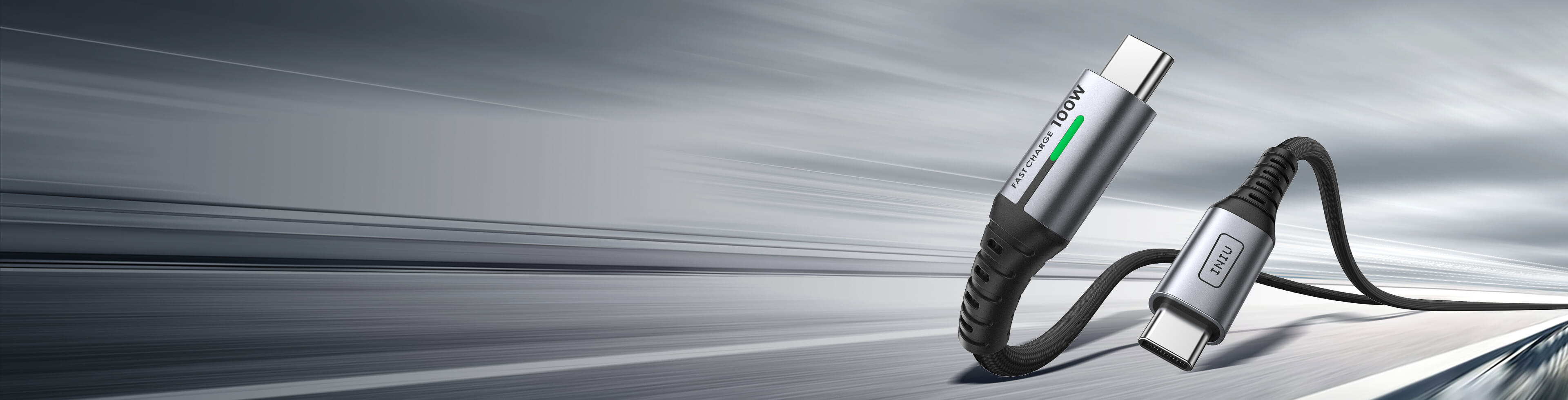
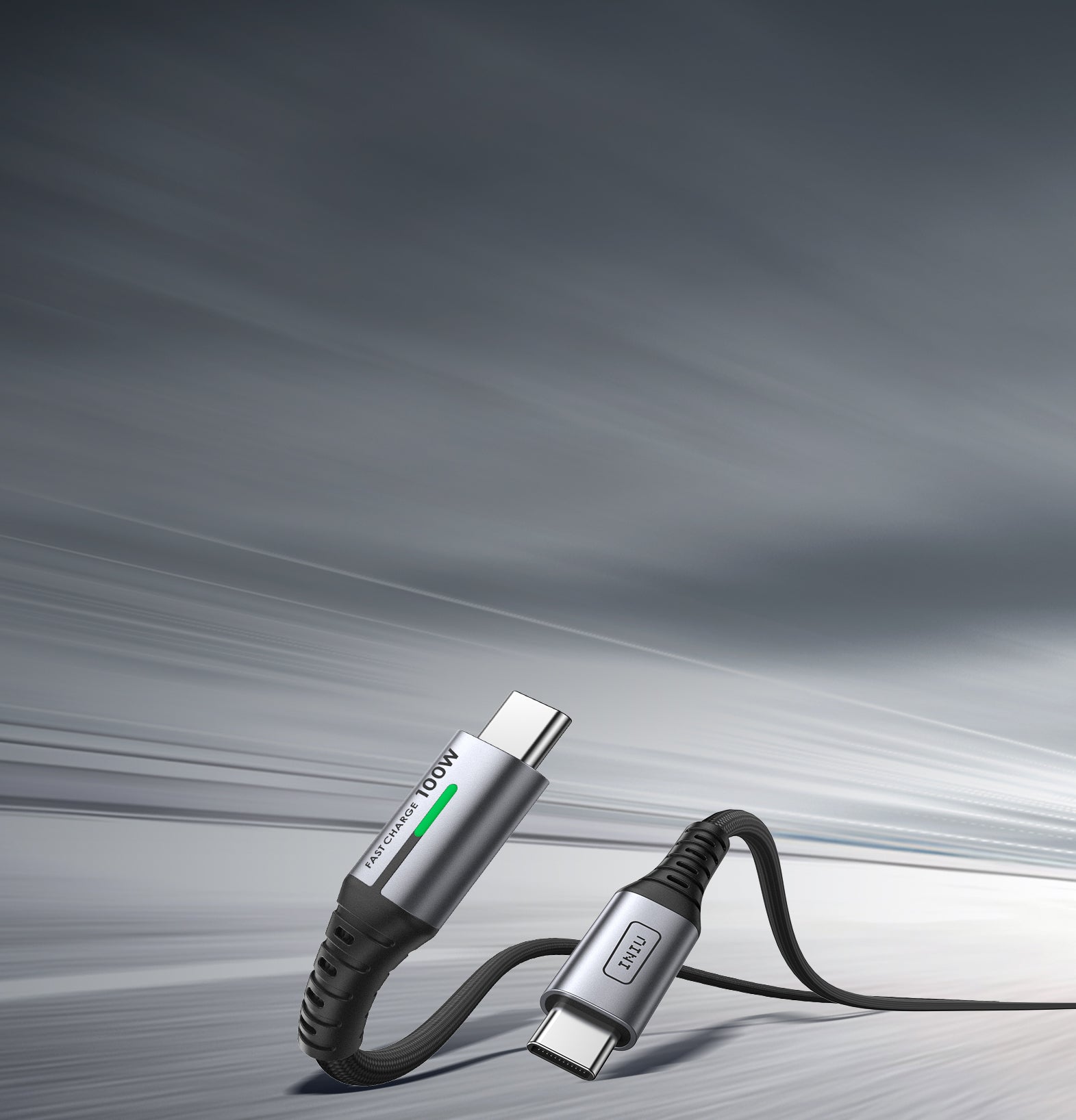
- 100W功率輸送: 完美的一體式快速充電線。只需 45 分鐘即可為 16 吋 MacBook Pro 充電至 60%,或以最佳速度為您的手機、平板電腦和其他 USB-C 裝置快速充電。
- 240W擴展功率範圍: 充電的未來就在這裡。這是終極 USB C 連接線 適用於要求最苛刻的設備,包括高階遊戲筆記型電腦和專業工作站,提供最大功率,毫不妥協。
3. 為你考慮的設計
重要的是小細節。
- LED指示燈: 柔和、不分散注意力的燈光可確認您的裝置正在充電,並幫助您在黑暗中找到電纜。
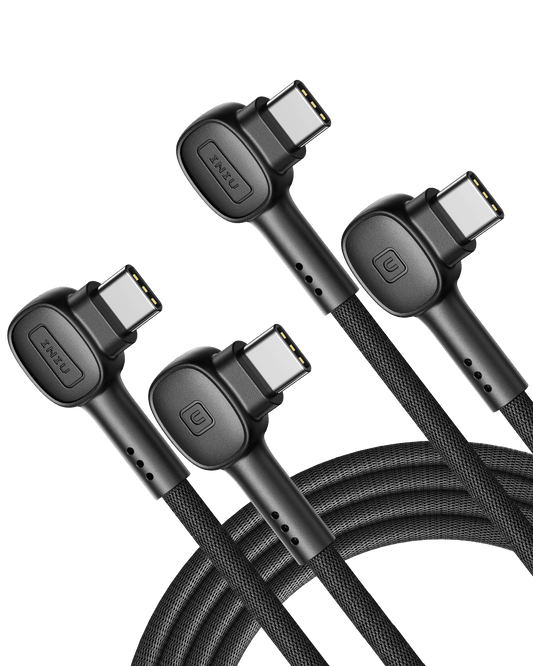
- 90°連接器: 我們的 D6CC 電纜 具有符合人體工學的 90 度頭部,可防止電線妨礙您舒適地玩遊戲或觀看影片。
這 INIU 電纜產品線
| 產品 | 最大功率 | 最適合 | 主要特點 |
| INIU DI401 VR 高速連線線 | 24瓦 | VR設備(Oculus Quest、Pico系列等) | 16 英尺長,獨立的 3A 充電端口,SmartProtect2.0 晶片,90° 連接器,耐用(45,000 次彎曲,FLYWEAVE)。 |
| INIU D5CC 100W快充線 | 100瓦 | 筆記型電腦、手機、iPad、Switch 和其他 USB-C 設備 | 增強耐用性(FLYWEAVE、防破裂 SR、45,000 次彎曲測試)、Emark2.0 晶片、480Mbps 資料傳輸。 |
| INIU D7CC 240W 快充線 | 240瓦 | 高功率設備(筆記型電腦等)和所有 USB-C 設備 | 240W高功率快充,EMARK2.0安全充電,堅固耐用(FLYWEAVE尼龍),LED指示燈 |
| INIU D3C 快速充電線 | 18瓦 | USB-C 手機和其他 USB-C 裝置(平板電腦、智慧型手錶、交換器等) | 堅固的 FLYWEAVE 結構、LED 指示燈、480Mbps 資料同步。 |
| INIU D5C 快速充電線 (QC3.0) | 13.95W | 手機和其他 USB-C 設備 | 3.1A 快速充電(QC 3.0)、堅固的 FLYWEAVE 結構、Temp°Guard 2.0。 |
充滿信心地連結
電池沒電不必擔心。數據線斷裂也不必承擔重複性費用。選擇 INIU 提供可靠的電源連接,支援您的生活,從辦公室到戶外。我們生產的每一條 USB 充電線,都體現著對性能和安心的承諾。
FAQ about 電纜
USB charging cables typically come in several major types, each designed to support different devices and charging standards:
- USB-A to Micro-USB: Commonly used for older Android phones, Bluetooth speakers, older power banks, and various small electronics. While still prevalent, it's being gradually replaced by USB-C in newer devices.
- USB-A to Lightning: This is the standard iPhone charging cable, used for iPhone 5 through iPhone 14 and also compatible with iPads (except iPad Pro, which uses USB-C). It's designed for fast data transfer and charging, but its speed is limited compared to USB-C.
- USB-A to USB-C: A universal option for phones, tablets, gaming consoles like Nintendo Switch, and accessories such as earbuds. It supports fast charging and data transfer but is slower than USB-C to USB-C in high-power applications.
- USB-C to USB-C: Used for modern phones, iPads, MacBooks, and devices requiring electricity and data sync, such as fast charging VR link cables. This type supports Power Delivery (PD), enabling high-speed charging and faster data transfer, making it the go-to for modern devices.
The type of USB cable you need depends on your device’s charging port, charging speed, and power requirements:
For iPhone:
If you have an iPhone 5 to iPhone 14, you’ll need a USB-C to Lightning cable. This cable supports fast charging when paired with a USB-C PD charger. It enables the fastest charging available for these devices.
For iPhone 15 and later, Apple has switched to USB-C charging, so you’ll need a USB-C to USB-C cable for charging.
For Android Phones:
Most Android phones now use USB-C charging ports. A USB-C to USB-C cable is ideal for newer Android models that support Power Delivery (PD) for fast charging. This cable can deliver higher charging speeds, especially when used with a PD-compatible charger.
For Laptops:
For laptops with USB-C charging, such as MacBooks, you’ll need a USB-C to USB-C cable.
Power Requirements: Different laptops require different power levels for efficient charging:
Lightweight laptops (e.g., MacBook Air, Chromebooks, Ultrabooks) usually require between 30W to 65W for charging. A USB-C to USB-C cable rated for 60W is sufficient for these devices.
High-power laptops (e.g., MacBook Pro 14"/15"/16") require 65W to 100W for optimal performance. For these devices, make sure to use a USB-C to USB-C cable that supports at least 100W PD to ensure fast and safe charging.
For a stable connection with a VR headset, you need a high-quality USB cable that can handle both data transfer and power delivery. Here’s what to look for:
- USB-C Cable: For VR headsets like the Oculus Quest 2, a USB-C cable is the best option. It supports both data transfer for a seamless VR experience and power delivery to keep the headset charged.
- High-Speed Data Transfer: Choose a cable that supports high-speed data transfer. This ensures smooth performance and low latency during VR sessions.
- Length of Cable: VR cables tend to be longer for convenience. Look for cables that are at least 3 meters (10 feet) long to allow freedom of movement without losing connection stability.
INIU DI401 VR link cable features a separate USB-C charging port, enabling rapid 3A power delivery for uninterrupted gameplay. Use with a PD/QC fast adapter for optimal charging speed. With 16ft length, it is a good choice for VR game enthusiasts.
The lifespan of a USB charging cable can vary based on usage and quality:
High-quality USB-C cables can last for several years if properly cared for. Cables made from nylon braided materials tend to be more durable and resistant to wear and tear. INIU FLYWEAVE nylon braided cable has passed 45,000+ bending tests and is the best choice for long-term use.
To extend the lifespan of your cable, avoid bending it sharply or pulling on the cable excessively. Store it neatly when not in use to prevent damage.
To determine if a USB cable supports fast charging:
- Cable Type: USB-C cables generally support fast charging if they are compatible with Power Delivery (PD) or Quick Charge (QC) technology.
- Wattage: Fast charging cables are rated by their power capacity. Look for USB-C cables that support 18W to 100W for fast charging. Lower-power cables may not provide enough energy for high-speed charging.
- Certification: Check for certification logos, such as USB-IF (USB Implementers Forum), indicating compliance with industry standards.
Yes, the cable you use to charge your phone can make a noticeable difference. High-quality charging cables ensure stable power delivery and faster charging speeds, while cheap or worn-out cables may be slower or even damage your device over time. Using the right cable also helps maintain battery health.
For optimal performance, it’s important to match the cable type with your phone’s charging standard. For example, USB-C to Lightning or USB-C to USB-C charging cables support faster charging on modern devices. Investing in reliable charging cables ensures safety, efficiency, and longevity for your phone.
iPhone cables have evolved over time. Older models use Apple iPhone charger for charging and data transfer, while newer models (iPhone 15, 16 and iPhone 17 series) typically come with a USB-C to USB-C cable for faster charging.
The latest iPhone 17 Pro/Max now use USB-C to USB-C cables for both charging and data transfer. To connect with older accessories or power bricks, a USB-C to Lightning charger cable is required.
Your charging cables may break due to frequent bending, pulling, or poor-quality materials. Over time, the wear and tear on the cable’s connectors and insulation can cause it to fray or stop working. Cheap cables are more prone to damage, especially at the connection points.
To avoid this, invest in the best cable for charging iPhone—one that’s durable, reinforced, and designed for long-term use. A high-quality cable ensures better longevity and reliable charging performance.
Yes. Charging speed depends on both the power adapter and the charger phone cable you are using. Some cables are designed to support fast charging technologies, while lower quality ones may limit power delivery and slow down charging. Choosing a cable that supports fast charging standards such as USB-C Power Delivery can help improve charging performance.
You may need a new charging cable if your current one charges slowly, disconnects easily, shows visible wear, or no longer matches the power needs of your newer devices.
After upgrading to a newer phone, tablet, or laptop, an older cable may not support higher wattage or fast charging properly, which can lead to slower charging performance. Switching to a higher-power cable, such as the INIU D5CC USB-C to USB-C Cable, can help support faster, more stable charging.
